Seal
Now on the App Store
Close your phone.
Start focusing.
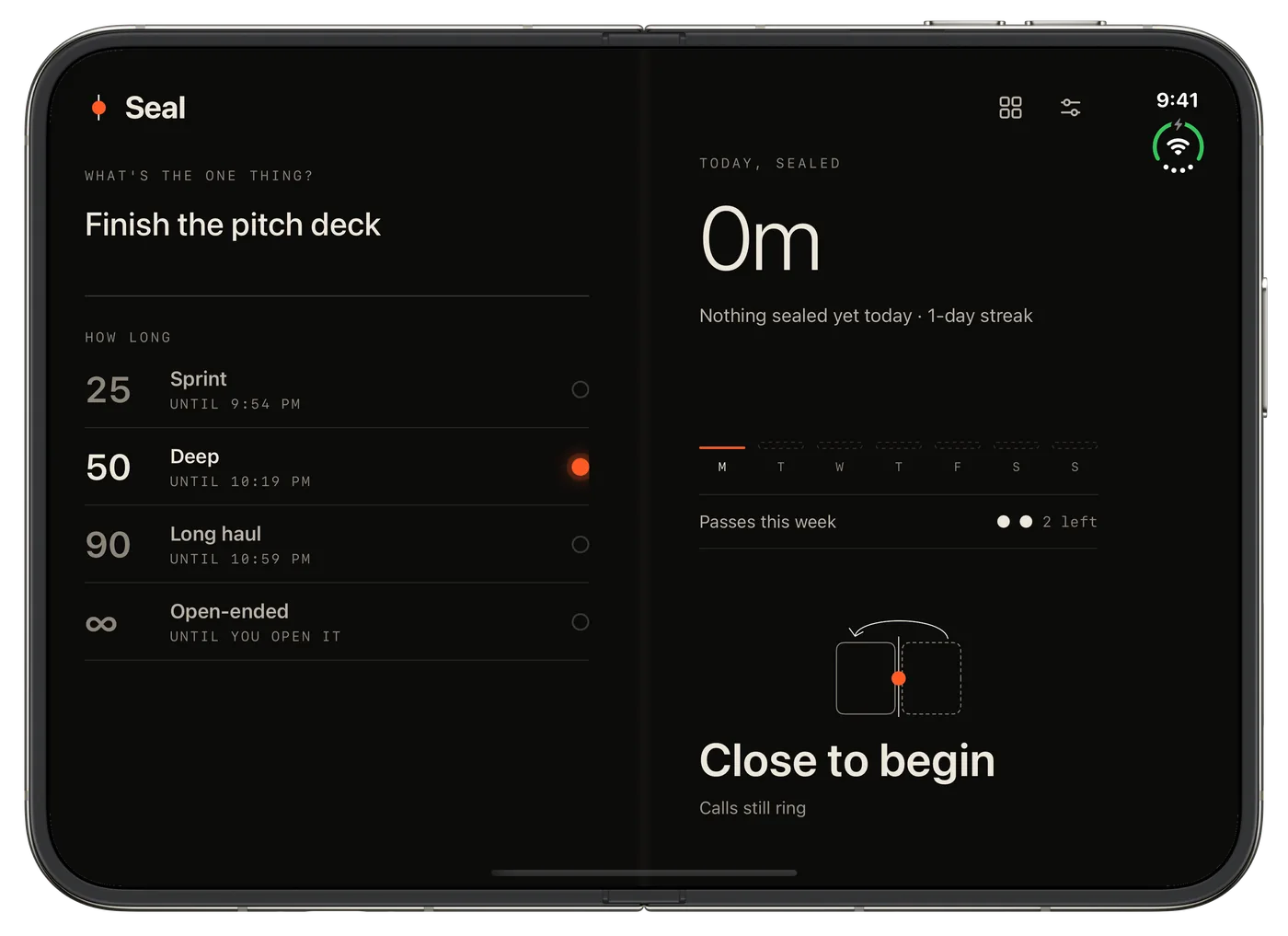
Shut your iPhone Duo and a focus session begins. Open it early and the seal breaks. On any other iPhone, just lay it face down.

Free to download · No account · iOS 17+
How it works
One rule: keep it shut.
-
Name it
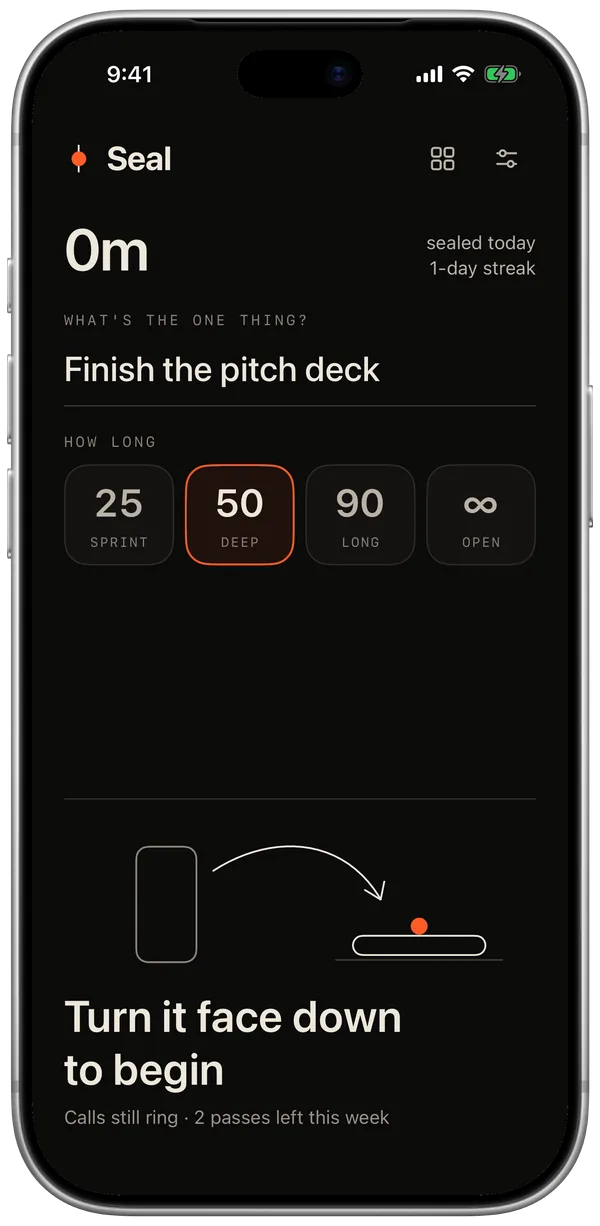
Pick the one thing.
Write what you're working on and choose 25 or 50 minutes.
-
Seal it
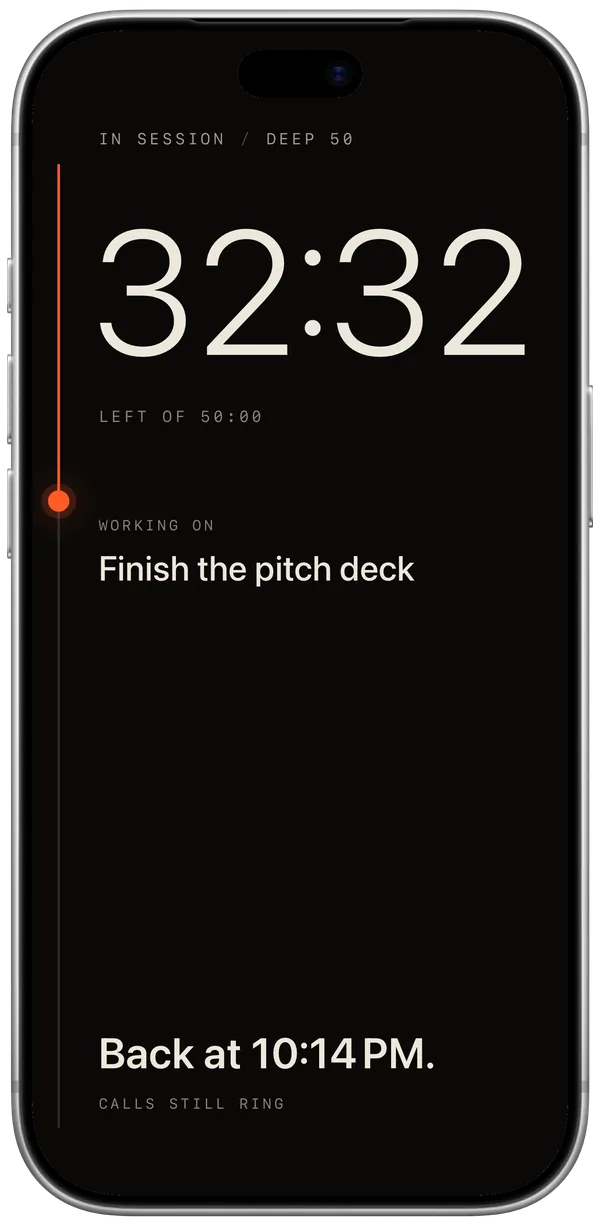
Close it, or turn it over.
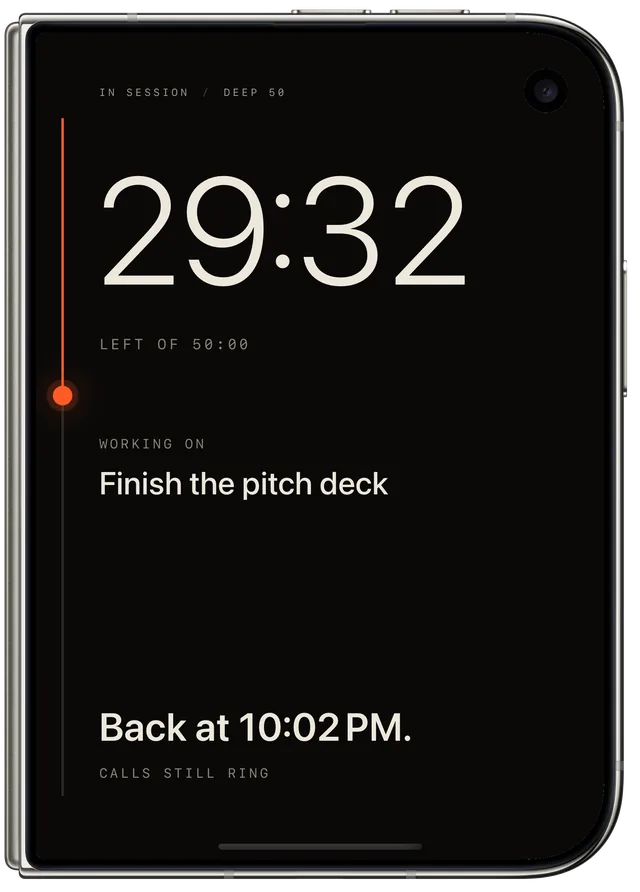
The seal presses in with a click you can feel. The screen shows the time left and when you'll be back.
-
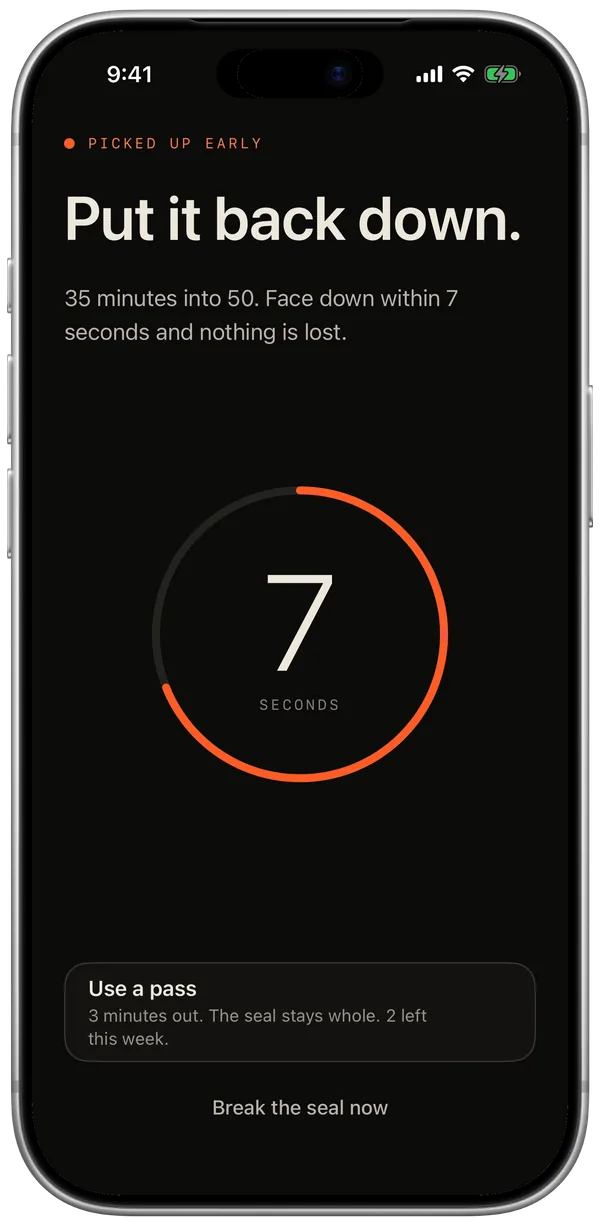
Hold it
Opened early? 10 seconds.
Your phone counts them down like a heartbeat. Put it back and the seal holds.
-
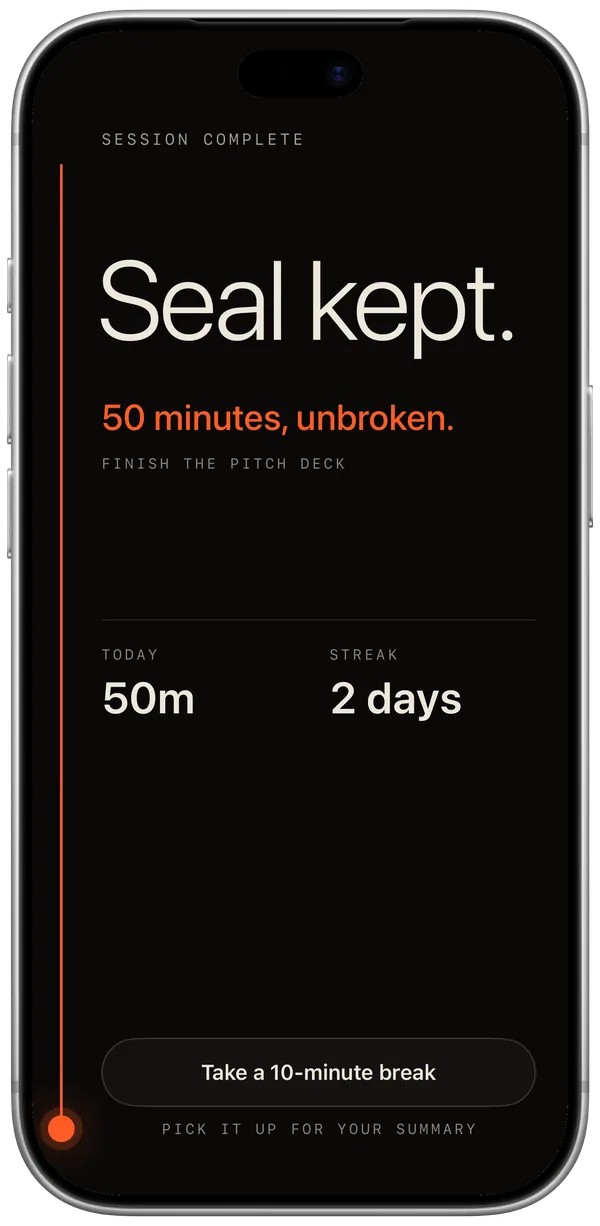
Keep it
Seal kept.
Every seal you keep fills in a day. Breaks are honest: you see how far you got.
The catch
Open it early,
and the seal breaks.
That's the whole trick. Not another timer you swipe away: closing the phone is the start button, and opening it is a choice you feel in your hand.
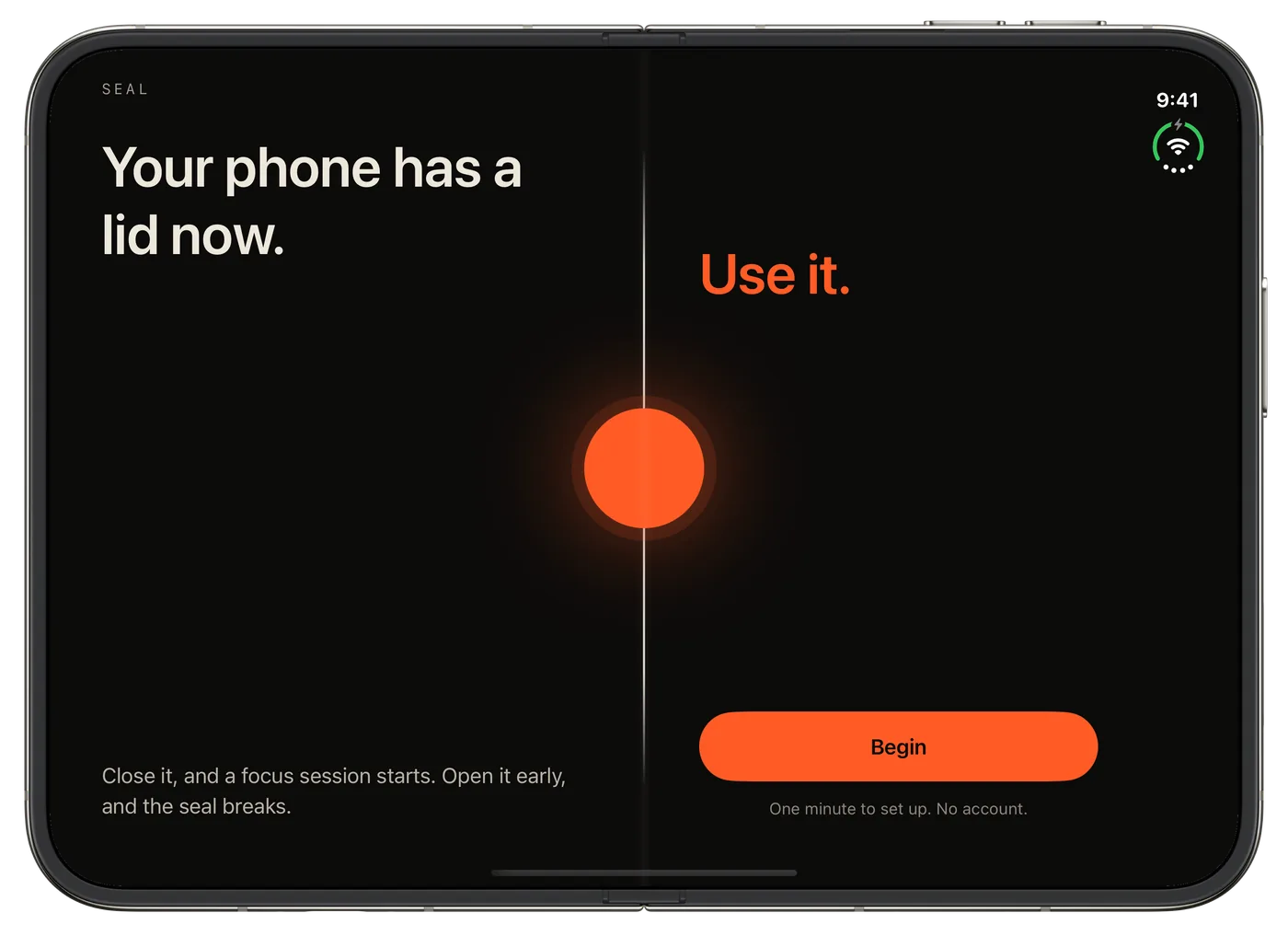
Made for iPhone Duo
Your phone has a lid now.
- The hinge is the button. Close it to seal. Open it to break.
- Two pages inside. Every screen is laid out like a book on the inner display.
- The outer screen keeps time. Minutes left and when you'll be back, at a glance.
- Every other iPhone works too. Lay it face down and the same rules apply.
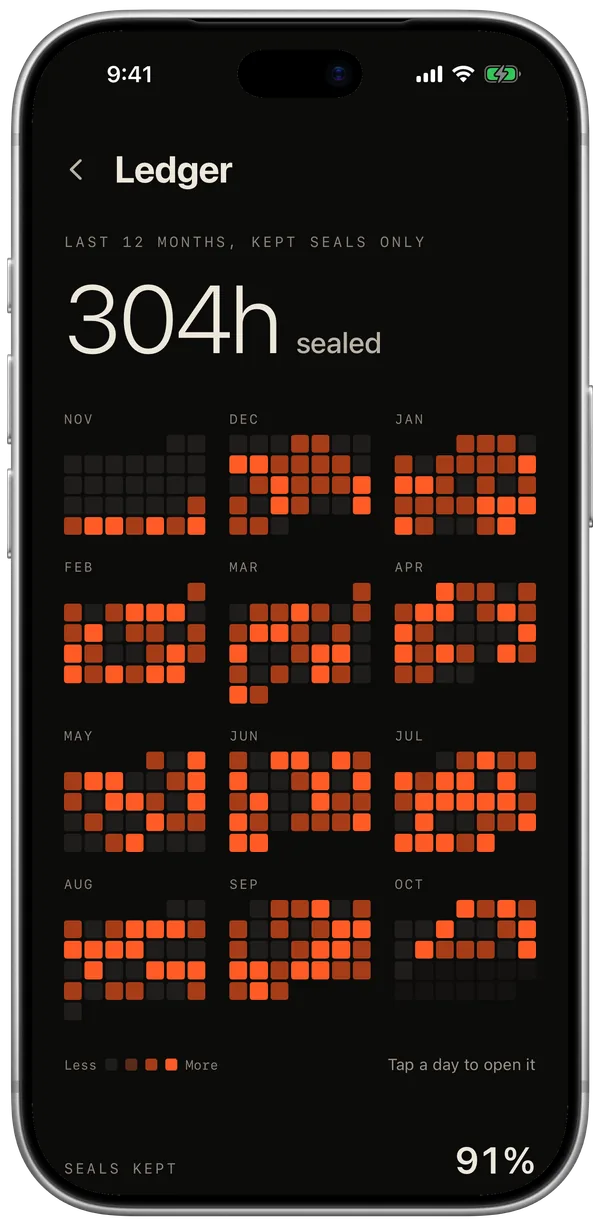
The Ledger
A year of focus, at a glance.
Only kept seals count. See every month as a calendar, your longest streak, your average seal and the hours you focus best.
Details
Strict where it matters.
Kind where it should be.
Calls still ring
Answering a call never breaks a seal. When it ends, you get 10 seconds to close up again.
Two passes a week
Need your phone? A pass gives you 3 minutes with it open, and the seal stays whole. New passes every Monday.
Feels alive
Sounds and haptics for every moment: the press, the warning, the break, the finish.
On your Lock Screen
Live Activity, Dynamic Island, widgets, a Control Center button and Siri. Start a seal without hunting for the app.
Private by design
No account, no ads, no tracking. Your sessions never leave your iPhone.
Breaks built in
After a kept seal, take a short break. A soft bell tells you when it's time to go again.
Pricing
Free to seal.
Pro to go further.
Free
$0
- Unlimited 25 and 50 minute seals
- Two passes a week
- This week in your Ledger
- Widgets and Live Activity
Seal Pro
$39.99 / year
- 7 days free, then $39.99 a year
- 90-minute and open-ended seals
- The full Ledger: 12 months and your best hours
- Strict seal: no passes, for the hard days
- A daily reminder and your year card
Or $7.99 a month, or $89.99 once for life.
Free to download. Upgrade to Pro inside the app.
Prices in US dollars; your App Store shows your local price. Subscriptions renew automatically unless cancelled at least 24 hours before the period ends. Manage them in Settings → your name → Subscriptions. Terms · Privacy